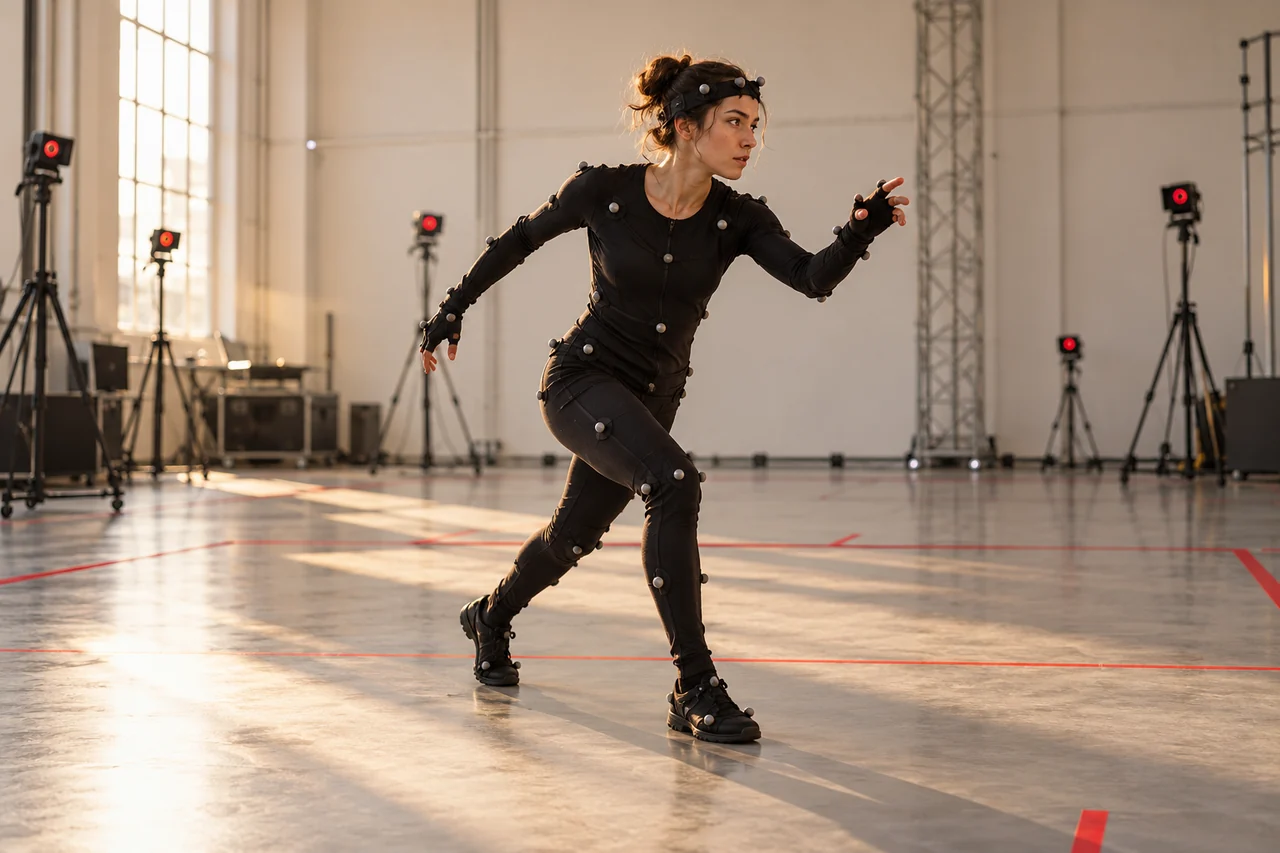
A new headset user may be learning the hardware, the platform and the application simultaneously. A long instruction board adds information without proving that any of it is understood. Effective immersive onboarding turns the first useful task into a short learning sequence. People see an action, try it safely and receive feedback before the experience asks them to combine several unfamiliar skills.
Separate platform knowledge from product knowledge
Identify which interactions users may already know from the device and which are unique to the application. Follow established platform conventions instead of teaching unnecessary alternatives. The product's explanation can then focus on its own objects, tools and goals.
Do not assume every user has the same prior experience. Offer a quick path for confident users and an accessible practice route for newcomers. Avoid making the tutorial itself depend on an unexplained gesture. The first control should be discoverable using a supported input the person can already operate, and help should remain available without restarting the whole experience.
Teach one action with a visible consequence
Introduce a small task that demonstrates the purpose of the control. Selecting a sample object can reveal its name; rotating it can expose a useful feature. This connects the gesture to an outcome instead of asking users to repeat motions with no meaningful context.
Keep the practice forgiving. Provide generous targets, reversible results and clear feedback about what registered. If a person fails to complete the action, distinguish a misunderstanding from tracking or input problems before repeating the same instruction. A tutorial that says try again indefinitely may be teaching nothing while making the user feel responsible for a technical limitation.
Build complexity through short combinations
After individual actions are understood, combine them in the order the real task requires. A placement tool might progress from selecting an object to moving it, then confirming its location. Introduce cancellation and undo early so people can experiment without fearing they will ruin the session.
Use contextual hints that respond to observable difficulty, such as repeated invalid placement, rather than interrupting on a rigid timer regardless of progress. Let users dismiss or revisit guidance. Avoid covering the target with the instruction panel; in a spatial interface, the relative location of help and action can determine whether the explanation is usable at all.
Support return visits and changed circumstances
People may forget an interaction after time away or switch from controllers to hands. Preserve an easy refresher tied to the current input mode. Update prompts when the mode changes so the tutorial does not keep naming a button that is no longer present.
Measure whether users can complete the first real task without facilitator intervention, then inspect where they hesitate. Completion of the tutorial screen is a weak measure if users remain confused afterward. Test recovery from mistakes and the ability to find help independently. The release checklist should cover prior knowledge, meaningful practice, progressive combinations and return visits. Good onboarding gives people enough confidence to explore while keeping support close at the moment they need it.
The key decisions.
- Teach application-specific actions through meaningful practice.
- Introduce undo and recovery before complex tasks.
- Measure independent task completion and support later refreshers.
Sources & further reading
Primary references for the concepts discussed. Check the applicable documentation when planning implementation.