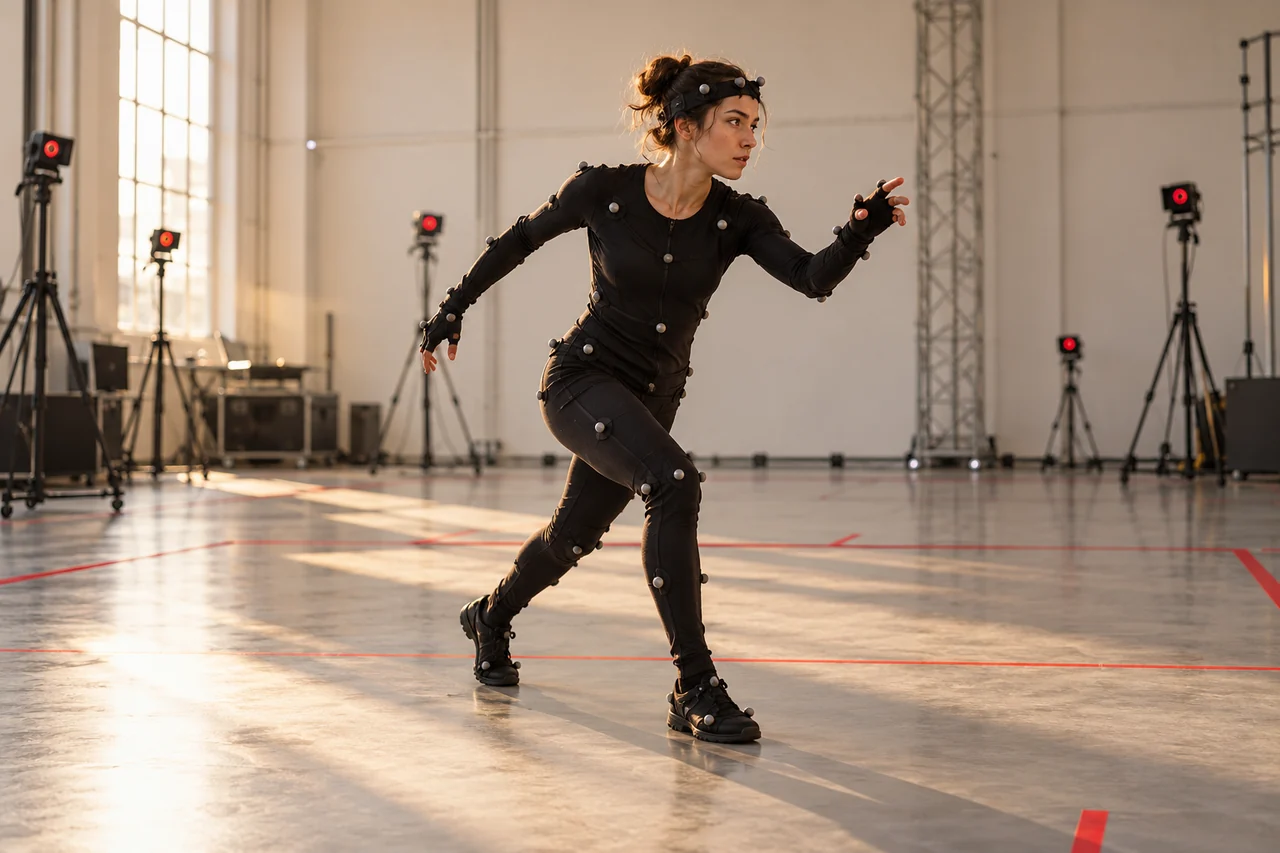
Animation compression trades some representation detail for a smaller runtime footprint. The useful question is not whether a compressed clip differs numerically from its source, but whether that difference matters in the game. Small errors near a fingertip can become obvious when it rests on a button, while larger deviations in a distant background motion may be invisible. Build compression decisions around visible relationships and representative cameras rather than one universal setting.
Classify animation by its viewing conditions
Separate close dialogue, player locomotion, precise interactions and background crowd motion. These groups have different demands for subtlety and contact. A hand resting on a steering wheel needs a tighter review than a distant spectator waving. The categories should describe how animation is used, because the same source clip may require different treatment in a cinematic and ordinary gameplay.
Record the closest expected camera and important attachments for each class. A small rotational error near the shoulder can move a long weapon tip considerably. Review the full character and its equipment rather than judging isolated bone curves. Keep source animation available so quality comparisons can be repeated when compression tools or project settings change.
Choose meaningful comparison clips
Build a short set containing held poses, slow motion, fast motion and repeated contacts. Slow movement is especially useful for revealing jitter that energetic action can conceal. Include facial curves if the project compresses them, and check subtle eye or lip movement separately from large body motion. The test set should expose the types of error that players are likely to notice.
Compare source and compressed results from identical cameras and lighting. Side-by-side playback helps, but alternating the same view can make small pops easier to see. Use slow motion diagnostically, then judge acceptability at normal speed. A defect that exists mathematically but is never visible should not automatically block a worthwhile reduction.
Protect contact and timing
Inspect feet during planted phases, fingers on props and the alignment of paired actions. These relationships provide strong visual references, so compression errors can be more apparent there than in free movement. Check the beginning and end of loops as well. A small discontinuity repeated continuously can become more distracting than a larger one-time deviation.
Review animation events and gameplay timing through the complete import pipeline. Compression of motion data does not remove the need to verify how the engine evaluates clips, blends and event boundaries. Test interactions in their actual state machine. A standalone comparison can miss a changed pose that becomes conspicuous only when another clip blends into it.
Approve profiles with measured outcomes
Record the memory or file-size improvement alongside the observed quality. Unreal's animation compression documentation describes bone and curve compression controls; project-specific profiles should translate those controls into repeatable decisions. Avoid preserving a large clip merely because its source is prestigious, and avoid compressing an important close-up aggressively merely because a global target demands a number.
Keep exceptions narrow and explained. If a particular hand interaction needs a less aggressive profile, document the contact that requires it. Rerun the comparison set after changing the codec, importer or skeleton. Finish each review with a clear result: accepted profile, visible limitation if any and measured saving. This keeps optimisation grounded in the experience delivered to the player.
The key decisions.
- Group clips by camera distance, contacts and performance needs.
- Compare slow, held and looping motion as well as fast action.
- Record visual acceptance and measured savings for each compression profile.
Sources & further reading
Primary references for the concepts discussed. Check the applicable documentation when planning implementation.