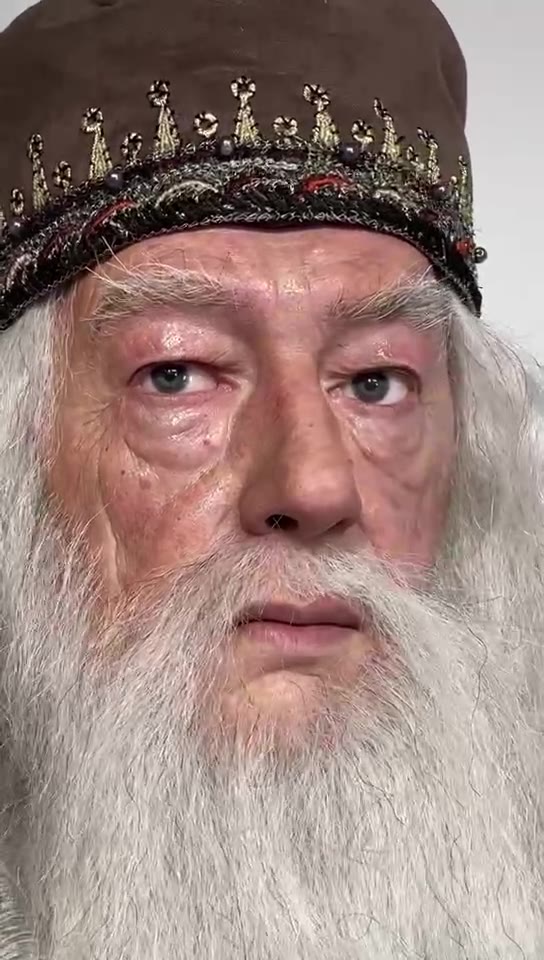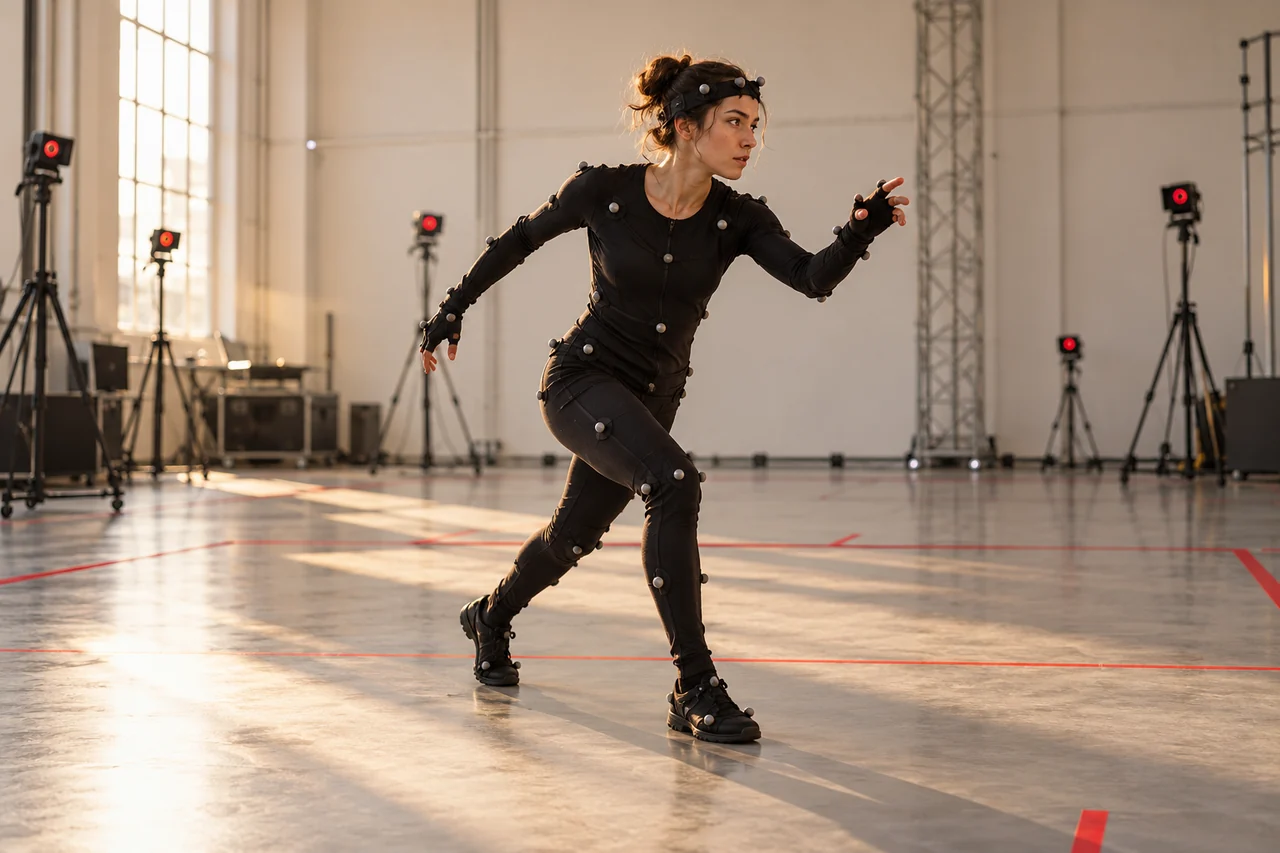
A character can look finished in its reference pose while remaining far from ready for animation. Shoulders collapse during a reach, trousers fold unnaturally in a crouch and rigid accessories bend with the torso. Skinning review needs a repeatable set of movements that exposes those problems early. The best test suite reflects the actions the character will perform, including uncomfortable combinations that a single attractive pose would never reveal.
Build the pose suite from gameplay
List the largest movement demands before polishing weights. A climber needs overhead reaches and deep hip flexion; a seated driver needs convincing elbow and knee compression; a sword fighter needs substantial torso rotation. Use these requirements to create a compact sequence that moves through extremes and returns to neutral. Review both the held poses and the motion between them.
Include asymmetric combinations such as reaching with one arm while twisting the chest. Many weighting defects appear only when neighbouring joints contribute at the same time. Test the normal gameplay range first, then a small margin beyond it to understand the rig's limits. An impossible contortion is less useful than an awkward pose the game can actually produce.
Separate geometry problems from weight problems
Inspect the underlying topology when a joint loses volume or creates a sharp crease. Weight painting cannot always compensate for edge flow that provides too little support around the deformation. Conversely, adding geometry will not repair vertices influenced by unrelated bones. Identify the cause before applying a fix that increases complexity without improving control.
Use simple materials and clear lighting to inspect form. Texture detail can conceal small pinches until a highlight crosses them in motion. Compare the silhouette from front, side and three-quarter views, then look at the inside of the bend. Maintain a short list of known difficult areas so changes to one joint do not quietly damage an adjacent region.
Treat rigid and soft components differently
A metal buckle, shoulder plate and cloth sleeve should not all respond identically to the skeleton. Decide which pieces follow a bone rigidly, which deform and which need their own controlled motion. Blender's skinning documentation distinguishes bone-linked objects from deforming geometry; that distinction is a useful starting point for planning equipment behaviour.
Test layered clothing and common accessories together. A body that deforms well without a coat may push through it during a crouch, while an oversized weapon can intersect the wrist in a grip pose. Solve the intended combinations rather than approving every mesh in isolation. Where intersections remain unavoidable, document the supported pose or equipment limits clearly.
Verify the exported character
Run the same pose suite in the engine after export. Check bone influences, normal behaviour, attachments and any corrective shapes used by the rig. Features available in the authoring scene may not transfer automatically. A successful viewport preview therefore proves only part of the pipeline; the imported character must pass the same visible requirements.
Keep the test sequence with the asset and rerun it after topology, rig or importer changes. Sign off with specific evidence: shoulder volume acceptable, hands grip correctly, clothing survives core actions and rigid parts remain rigid. This makes later feedback actionable and protects animators from repeatedly discovering deformation defects during otherwise unrelated animation work.
The key decisions.
- Derive deformation tests from actual movement requirements.
- Diagnose topology and weighting separately before adding complexity.
- Run the same pose suite on the exported engine asset.
Sources & further reading
Primary references for the concepts discussed. Check the applicable documentation when planning implementation.