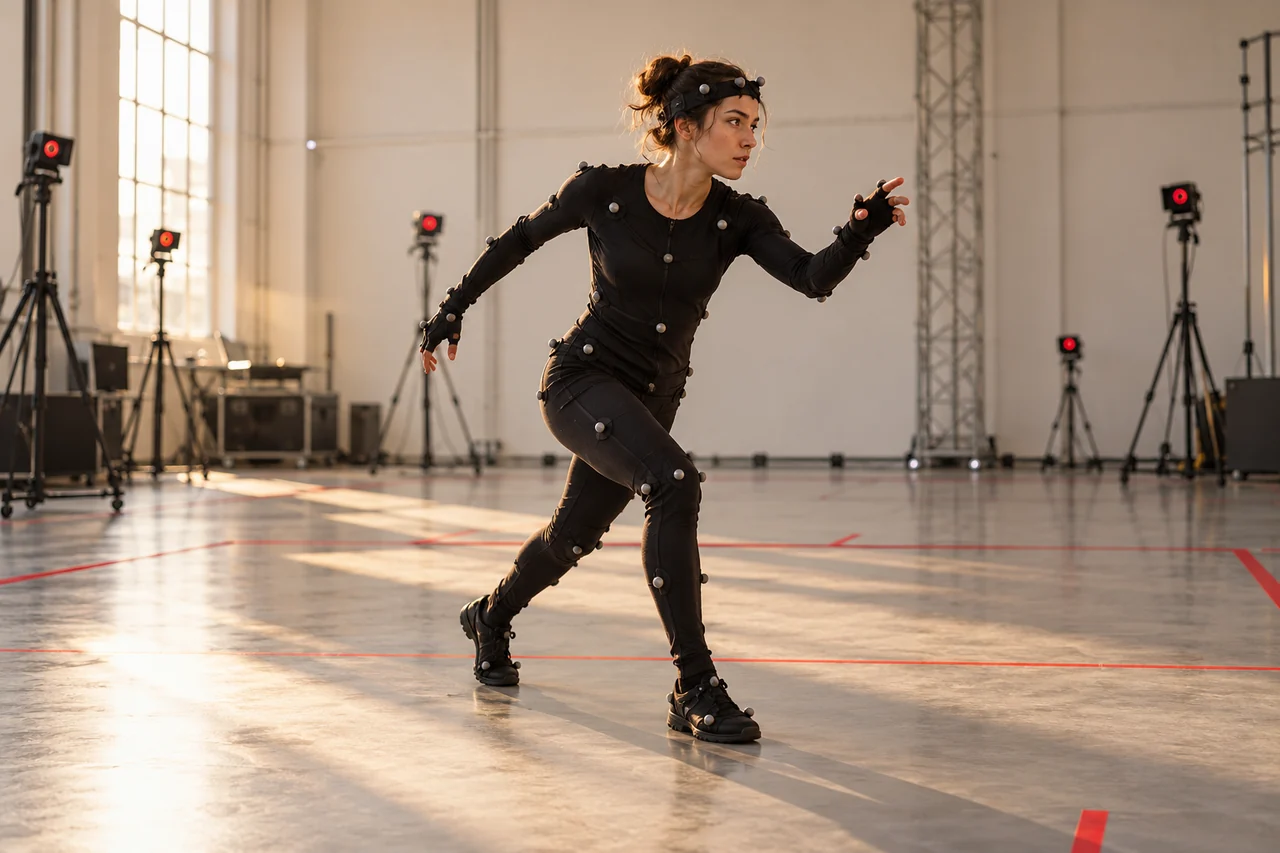
A polished run cycle can look wrong as soon as a player takes control. The controller accelerates faster than the animation suggests, a sharp turn twists the body without preparation or the feet slide because stride and travel disagree. Locomotion quality depends on a conversation between movement design and animation. Establish who controls displacement, how velocity changes and which visual compromises are acceptable before building a large library of clips.
Agree on movement ownership
Document whether the controller drives travel, animation contributes displacement or different actions use different approaches. Root motion is one available mechanism, but choosing it is not a substitute for defining behaviour. A dodge, ordinary walk and cinematic interaction may have different requirements for responsiveness and collision. Make those boundaries explicit so artists know what their clips are expected to provide.
Create a simple test course with straight travel, tight corners, ramps and abrupt stops. Display useful movement values during development so the animator can relate a visible defect to actual speed or acceleration. Review the course with design and engineering together. This reduces the tendency to repair a controller problem entirely through animation or an animation problem entirely through code.
Match stride to travel
Compare foot contact timing with the distance the character moves. A cycle authored for one speed may slide when played against another. Adjust the relationship deliberately rather than increasing playback rate until the result merely looks busier. Fast playback changes the perceived effort and weight of the character as well as its step frequency.
Evaluate intermediate speeds, not just the clean walk and run endpoints. Blended poses can create awkward foot paths even when both source clips look good. Check diagonal movement and backward motion where they are supported. Unreal's Blend Space documentation describes combining samples from input values; the sample set still needs to cover the movement space with compatible timing and poses.
Give starts and turns enough information
The first moments of movement communicate intent. A short weight shift can make a start feel grounded, but too much preparation may make input feel delayed. Decide which preparation belongs in the visible body while movement begins immediately and which actions intentionally commit to a longer motion. Test this through control, because a video alone cannot reveal input responsiveness.
Turning needs similar coordination. A character rotating instantly while its feet remain in a forward run can appear to skate. Consider the expected turn rate, camera behaviour and movement style together. Use appropriate turning poses or corrections where needed, and review rapid direction reversals that players naturally produce rather than only smooth paths that flatter the animation.
Review transitions under player input
Record a short session with starts, stops, reversals and interrupted actions. Examine the moments where the system changes state, particularly when a landing becomes a run or an attack returns to locomotion. Problems often come from incompatible poses or timing assumptions at these boundaries. Fix the smallest responsible layer instead of adding ever longer blends that make the character feel sluggish.
Finish with a shared acceptance checklist covering sliding, response, balance and camera presentation. Keep the controller settings used for approval with the animation test scene. When movement tuning changes, revisit the visual relationship rather than assuming existing clips remain valid. Locomotion is a maintained agreement between systems, and its quality depends on keeping that agreement current.
The key decisions.
- Define which system owns displacement for each movement type.
- Check stride and blending across intermediate and diagonal speeds.
- Review transitions through real input, including abrupt reversals.
Sources & further reading
Primary references for the concepts discussed. Check the applicable documentation when planning implementation.