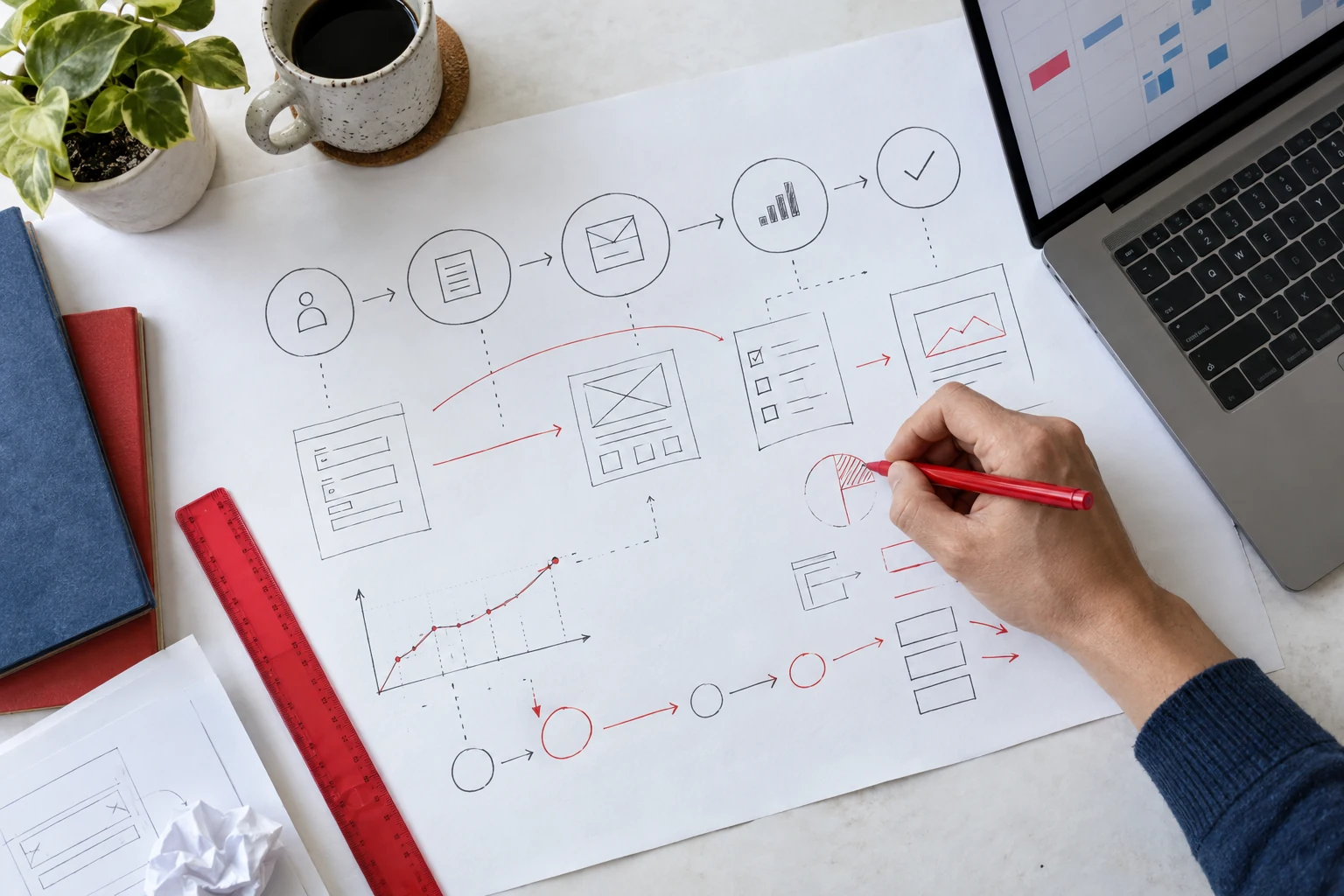
Immersive performance is a property of the whole experience, not a final optimization pass. Rendering, tracking-dependent updates, physics, interface work and content loading all compete within a limited frame interval. A scene that performs well while empty can fail when several individually acceptable features appear together. Establish representative budgets early and evaluate the moments when the application is doing the most useful work.
Choose the target experience and devices
Define the supported hardware and the frame timing expectations appropriate to each target. Avoid designing only on a powerful workstation and assuming a portable device will inherit the result. Profile a build running on the actual device with the same rendering path and interaction setup planned for release.
Create a representative workload before producing a large content library. Include the expected number of visible objects, active interactions, interface panels and effects. This scene becomes a shared reference for engineering and art. It does not need final polish, but it must reflect the combination of work that users will encounter rather than a conveniently simple benchmark.
Identify the current limiting work
Measure CPU and GPU time separately where the tools allow it. A geometry reduction will not solve a scripting bottleneck, and a faster interaction loop will not remove expensive full-screen effects. Use focused experiments to identify which work changes the result before applying broad reductions in quality.
Inspect spikes as well as typical frames. Asset initialization, shader preparation or a burst of object creation can interrupt an otherwise stable session. Connect those spikes to a user action and decide whether work can be prepared earlier, spread over time or simplified. A smooth average does not compensate for a visible hitch every time the user opens an important tool.
Allocate budgets to content decisions
Give creators practical limits tied to representative scenes: material complexity, texture memory, simultaneous effects and object counts. Explain which combinations are costly on the target renderer. A single asset can fit its individual budget while becoming expensive when repeated across the entire environment.
Review content at the intended viewing distance. Detail that cannot be perceived may consume resources better spent on stable interaction or readable labels. Use appropriate levels of detail and simplified collision where they preserve the task. The goal is not indiscriminate simplification; it is directing limited resources toward the features users actually inspect and the actions they need to perform.
Verify sustained sessions and graceful quality choices
Run the complete experience for realistic durations on portable hardware. Performance during a fresh launch may differ from later use under the device's operating conditions. Capture the same representative moments over time so changes are visible rather than relying on a tester's memory.
If the application adapts quality, define a controlled order of reductions and protect essential text and interaction feedback. Avoid abrupt changes that make the scene visibly pulse. Keep a regression capture for major content additions and renderer changes. The release checklist should cover measured limits, peak actions, sustained use and quality transitions. A dependable budget lets the team expand the experience while preserving the stability on which its spatial illusion depends.
The key decisions.
- Profile representative builds on each supported device class.
- Separate CPU, GPU and transient loading bottlenecks.
- Review content combinations and sustained-session behavior.
Sources & further reading
Primary references for the concepts discussed. Check the applicable documentation when planning implementation.