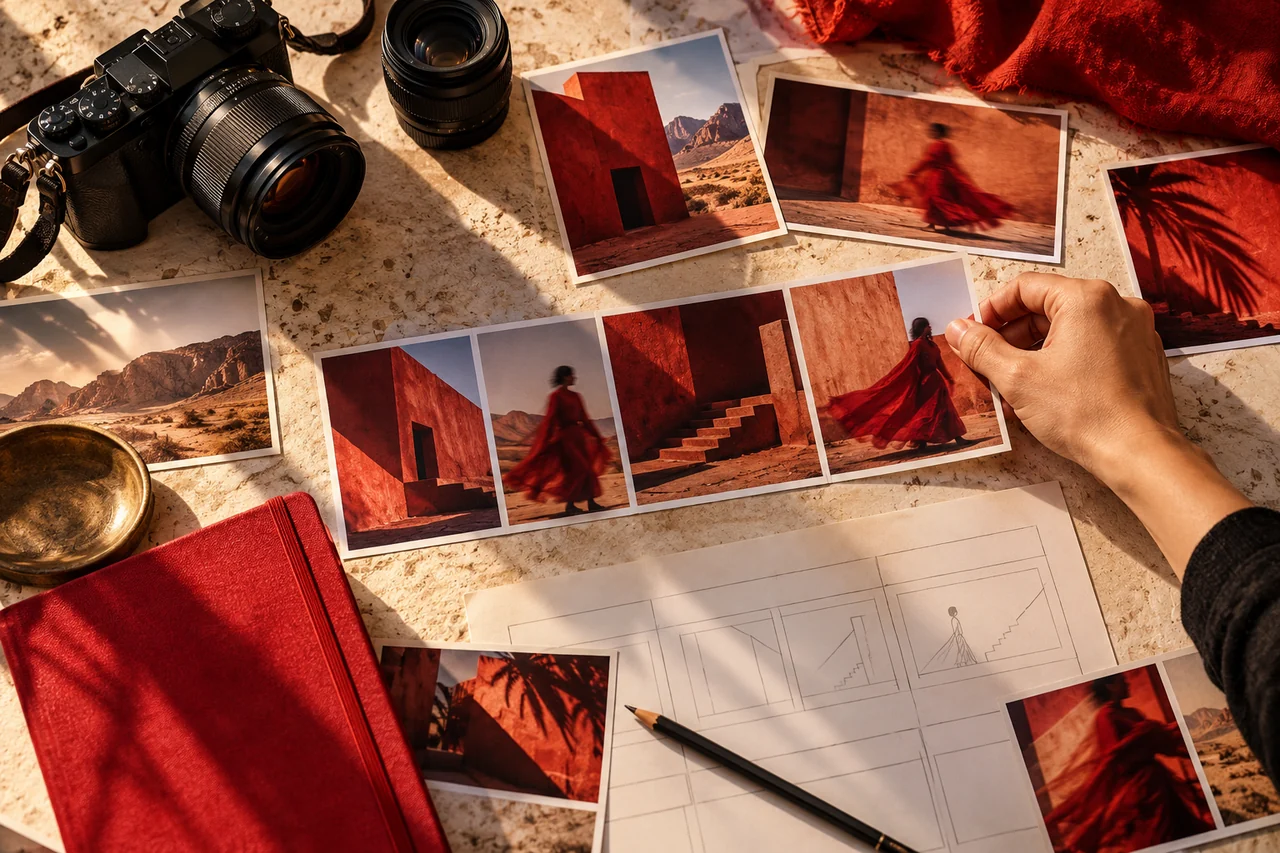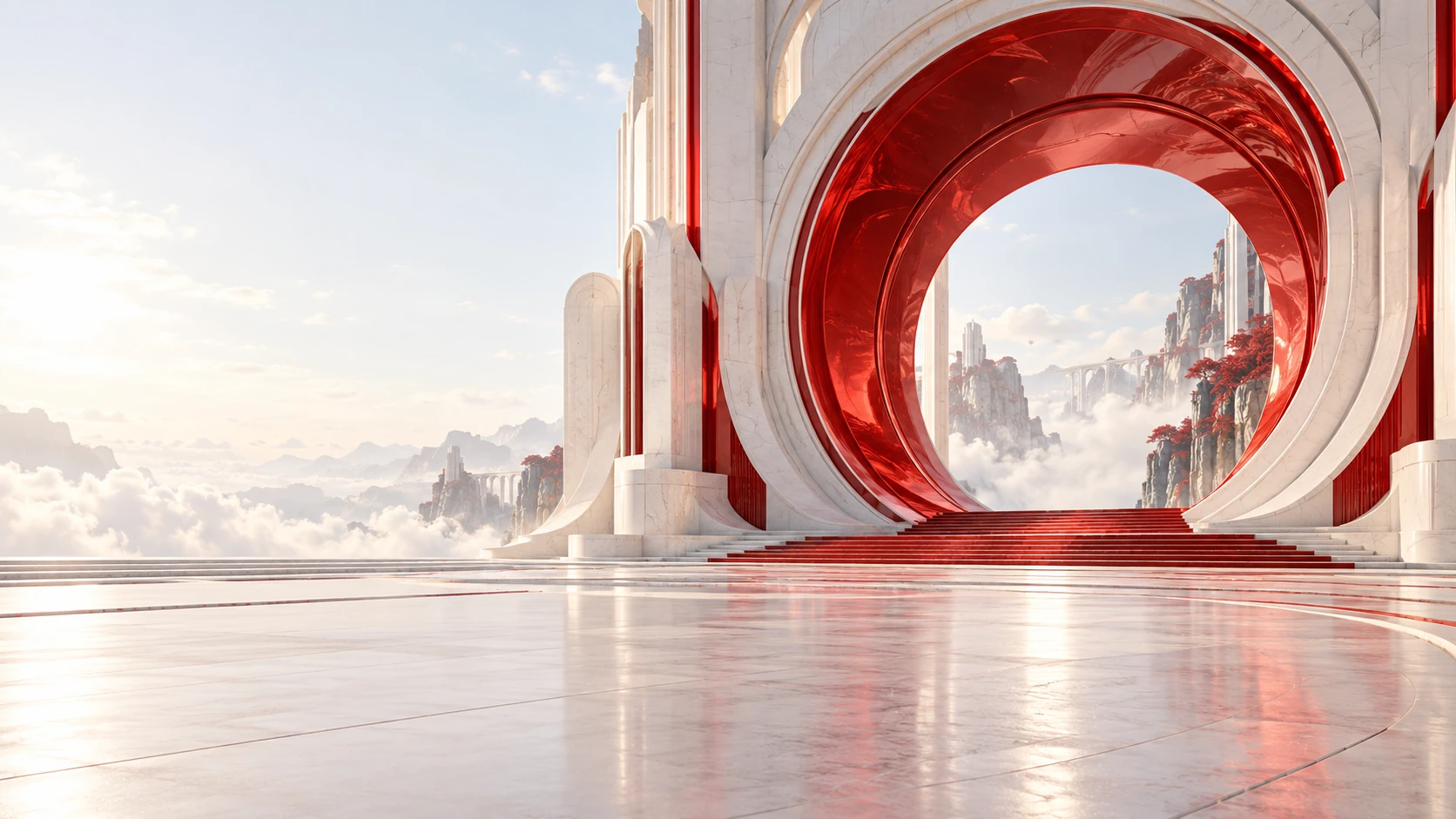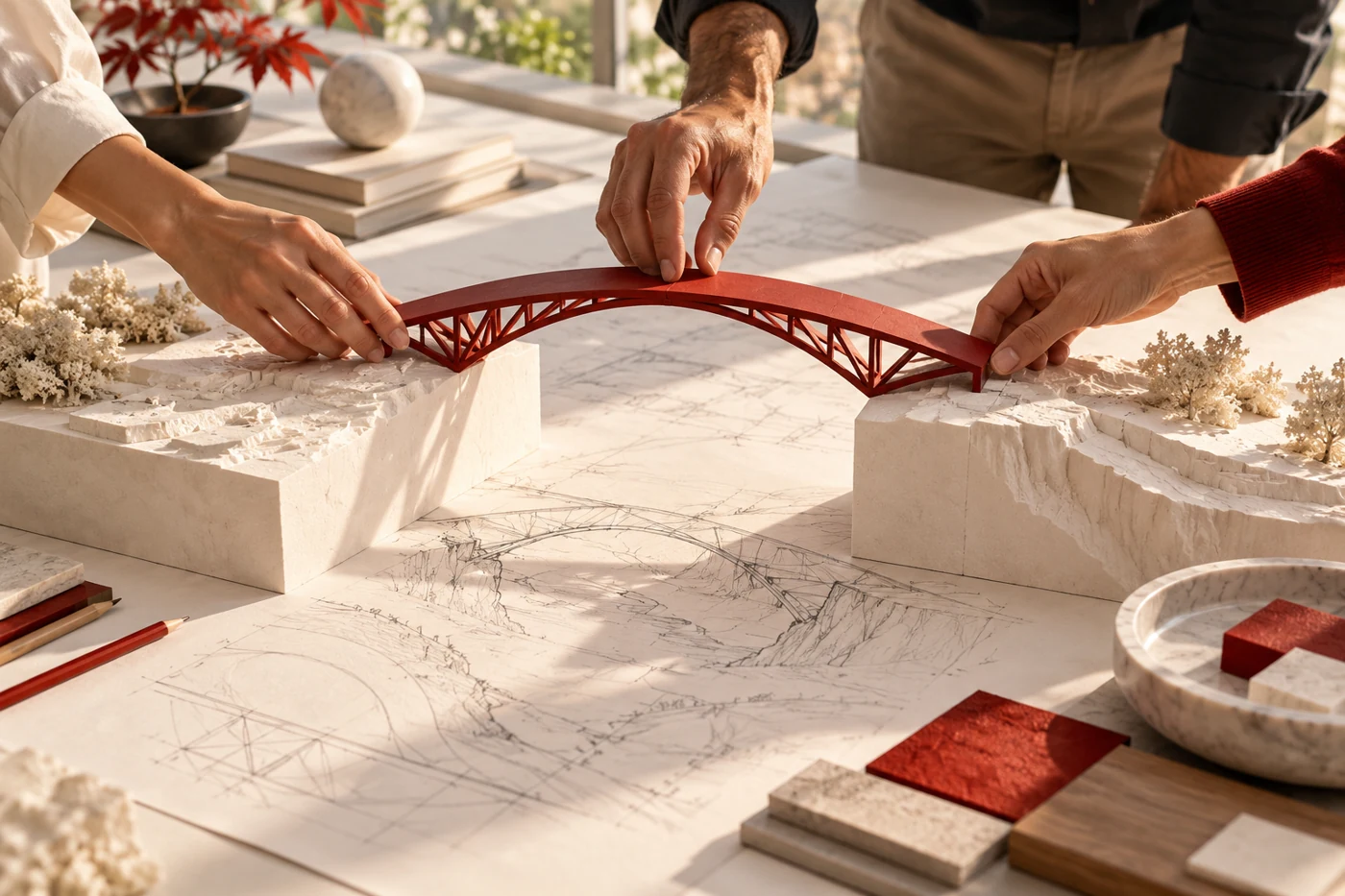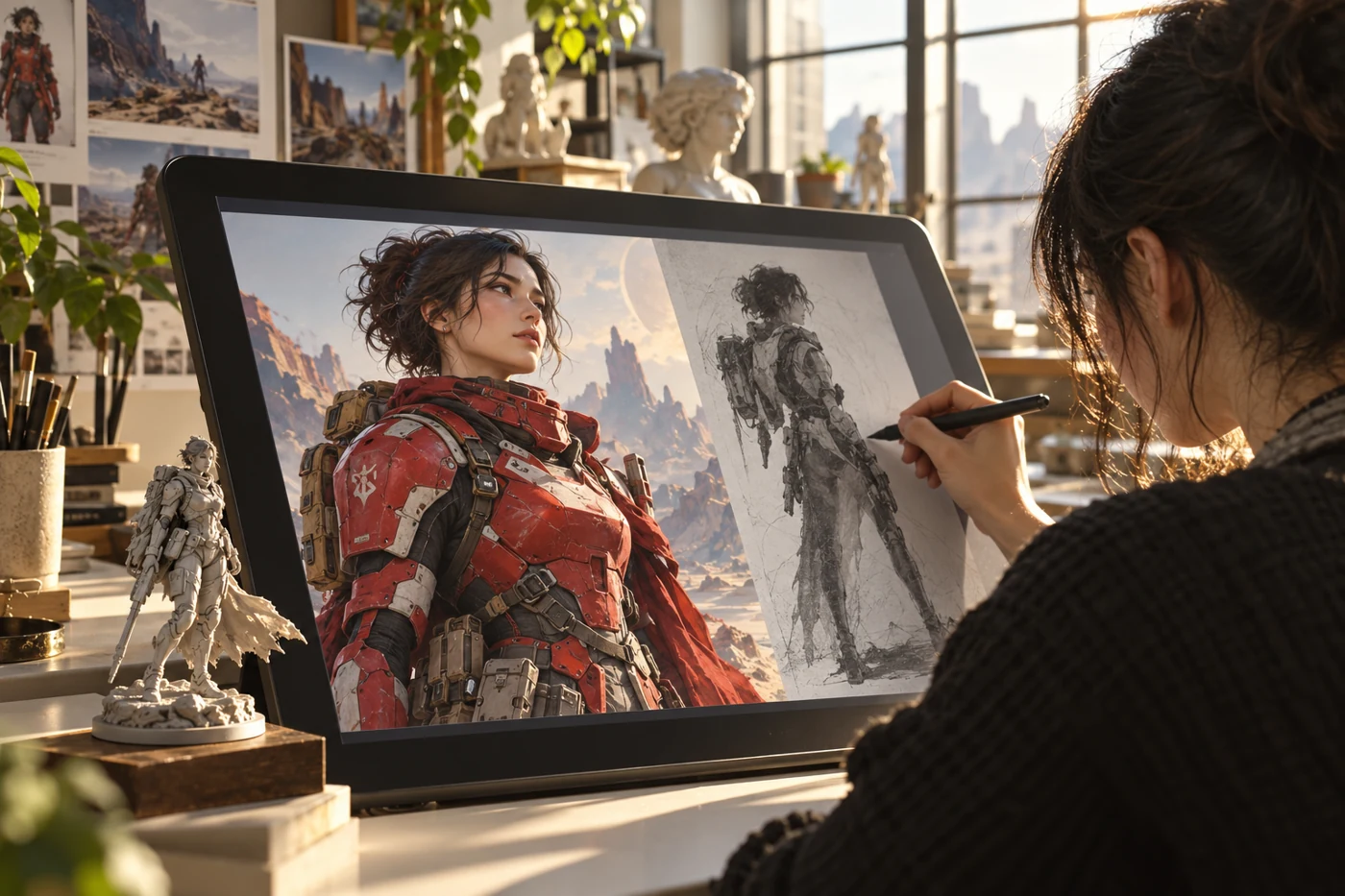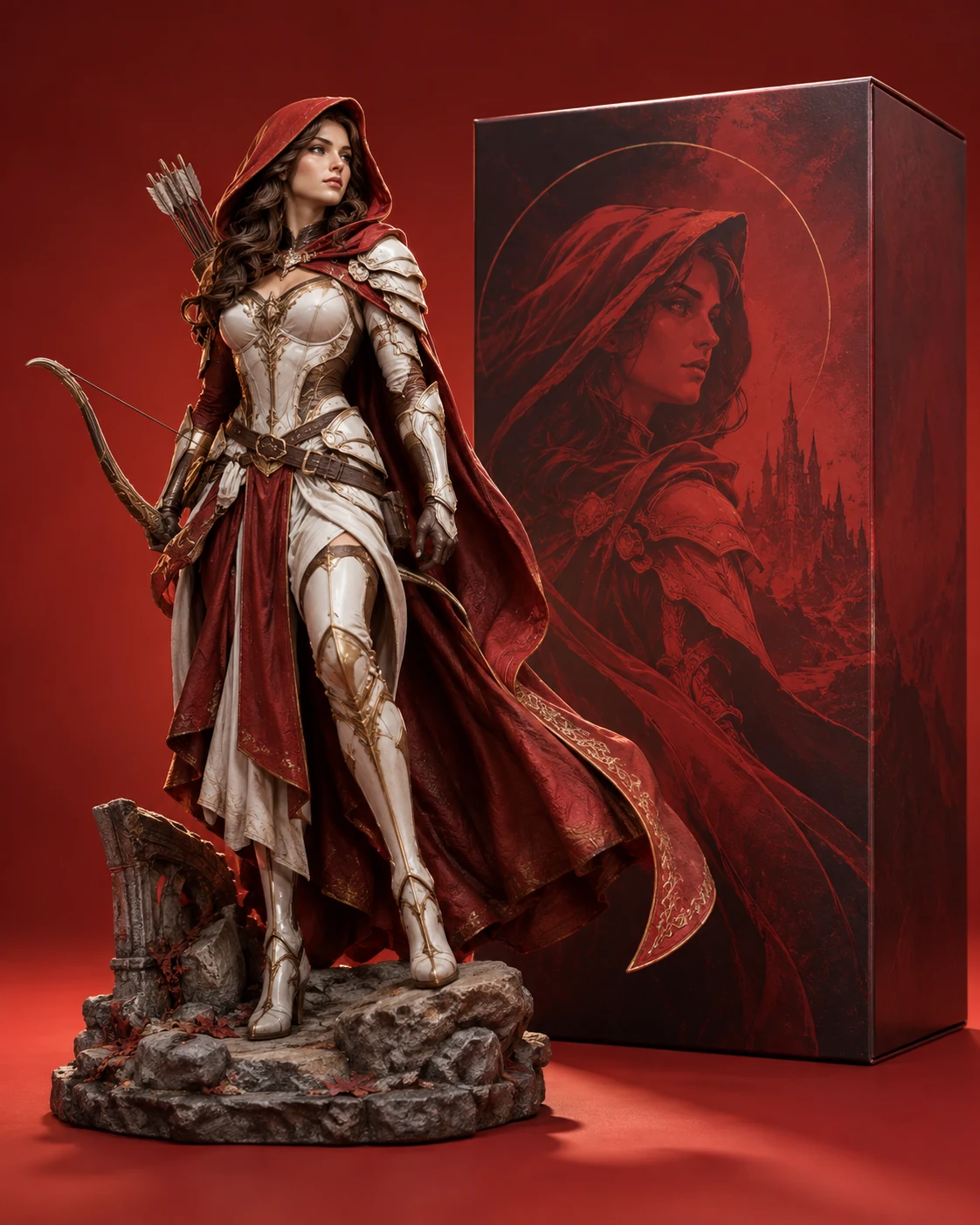
An art direction document earns its place when it helps someone make a decision without waiting for the art director. A folder of beautiful references communicates taste, but it rarely explains why a prop belongs in the world or how to simplify it for a smaller screen. Translate the intended experience into observable choices. The resulting guide should connect visual ambition to the camera, interaction model and production resources available to the team.
Define the visual promises
Choose a small set of promises that can be evaluated in a running scene. A welcoming exploration game might emphasise broad silhouettes, gentle material contrast and clear paths through dense scenery. An industrial survival game may need heavy structures and visibly improvised repairs. These statements are more useful when paired with a drawing that shows how they change a door, vehicle or character.
Separate consistent rules from deliberate exceptions. If bright accents usually indicate interactive machinery, explain when decorative lighting may use the same colour. Otherwise, every contributor will invent a local exception and the player will receive conflicting signals. Include one ordinary asset and one important asset so the intended visual hierarchy is clear.
Use comparisons to remove ambiguity
Show an approved barrel beside a version that has too much surface noise and another with overly delicate proportions. Annotate the specific differences rather than labelling the alternatives bad. An artist can then transfer the reasoning to a new object instead of copying the example literally. Comparisons also expose disagreements before expensive assets are finished.
Record material behaviour in a shared test scene. A painted metal sample should be reviewed under the same lights as wood, cloth and stone. Engine material documentation explains the available controls, but the guide must define the project's chosen results. Specify which changes are artistic decisions and which settings are technical conventions that should remain consistent.
Connect the guide to the camera
Capture every example at the distances players will actually see. A beautifully engraved clasp might disappear in an isometric game, while a small shoulder shape could determine whether an enemy reads correctly. Establish close, normal and distant views for reviews. A normal gameplay screenshot should carry more approval weight than a dramatic portfolio render.
Include motion and interface overlays in those views. A palette that looks controlled in a still image can become chaotic when attacks, pickups and damage indicators appear together. Test a representative encounter before declaring the visual language complete. Identify which elements must remain quiet so the important ones can attract attention.
Maintain a compact decision record
Assign an owner to each rule and record changes with a short explanation. When the team increases edge exaggeration to improve readability, update the example asset as well as the text. Retain a dated reference for older production batches so differences can be understood without relying on memory. Avoid silently replacing a guide during an outsourcing milestone.
Close each review by asking whether the guide answered the questions that arose. Add missing examples only when they resolve a recurring decision. Remove redundant pages that merely repeat a mood board. A useful art guide remains small enough to consult during work, concrete enough to support feedback and flexible enough to accommodate a justified exception.
The key decisions.
- Write rules that can be judged in a gameplay screenshot.
- Explain approved and rejected variations with specific visual reasons.
- Update examples whenever an important production rule changes.
Sources & further reading
Primary references for the concepts discussed. Check the applicable documentation when planning implementation.